Meet the GameAnalytics AI Agent

min read
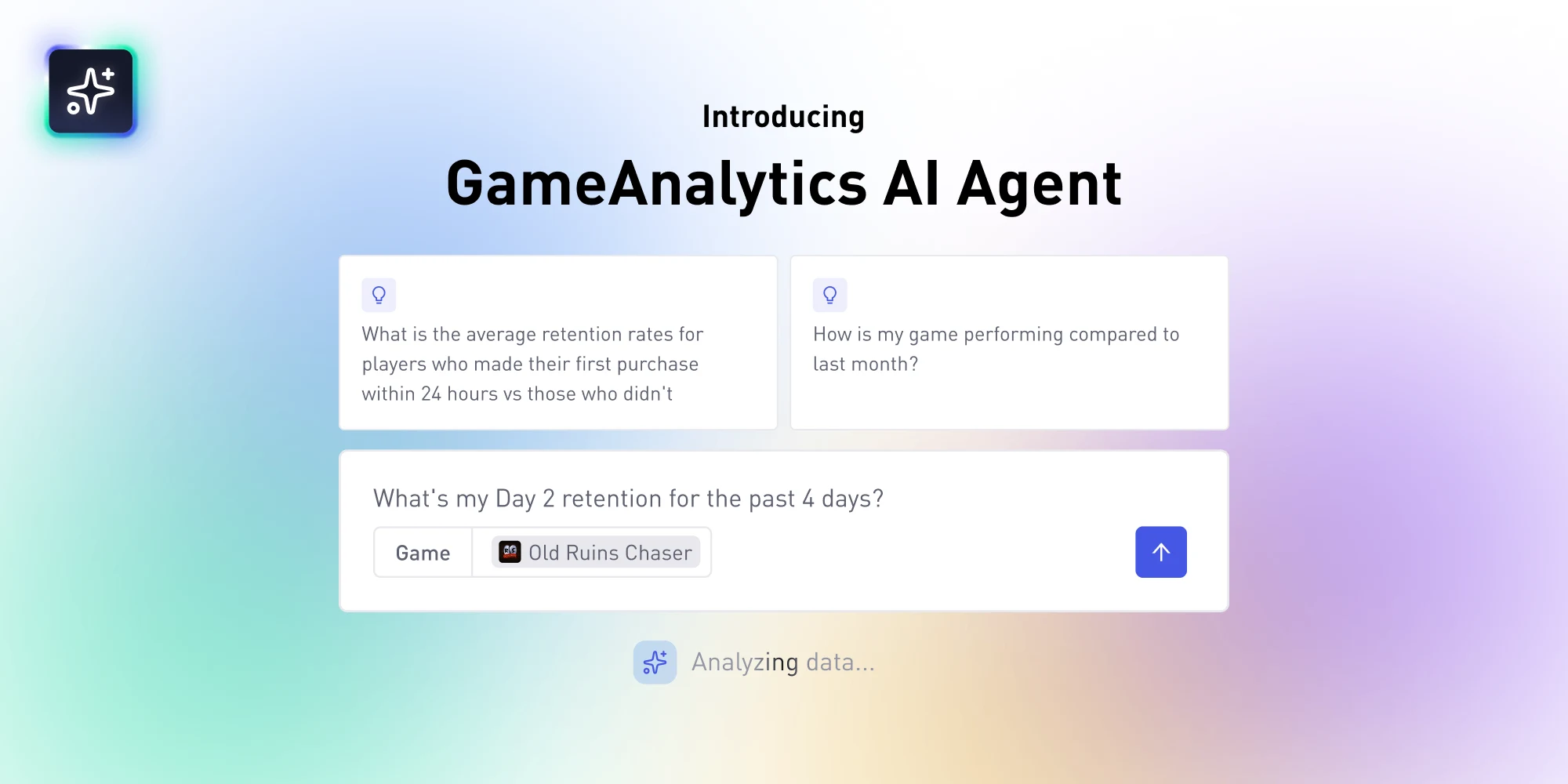
Getting answers from your game data usually means opening a dashboard, choosing the right chart, or writing a query. The AI Agent skips all of that. Ask a plain-language question and get an instant answer, right inside GameAnalytics. No SQL, no dashboards, no digging.
The AI Agent is built for the questions studios actually want answers to: from a quick retention check before your morning coffee, to a full read on whether your latest build is pulling its weight. Whether you are a founder keeping an eye on the numbers, an analyst chasing a hunch, or a LiveOps manager watching a live game, you can think in questions instead of queries.
Here is a quick look at how it works:
Below, we walk through the four things the AI Agent does best, with real prompts you can try today.
Get instant answers on any game metric
This is the everyday use case, and the one you’ll likely reach for most. Ask for any core metric over any window, and the AI Agent returns it cleanly and fast. Think daily active users (DAU), monthly active users (MAU), revenue, retention, ARPDAU (average revenue per daily active user), and churn.
The value here is speed. You do not need to know which dashboard holds the number or how to filter it down to the right dates. You ask the way you would ask a teammate, and the answer comes back in seconds.
You can, for example, ask: "What's my Day 2* retention for the past 4 days?"
*D2 retention, while often forgotten about, is the share of players who come back two days after installing. It is one of the earliest signals of whether your game is holding attention.
Compare game builds and versions in seconds
Every time you ship, you want to know one thing: did it work? The AI Agent lets you compare builds and versions across the metrics that matter, so you can see whether a new release moved retention, revenue, or ad performance.
This use case is iterative by nature, and the AI Agent keeps up. You can narrow the window, add a dimension, and ask follow-ups, and it tracks the context across the conversation. You are not starting from scratch with every question. You are refining, the same way you would talk through a result with a colleague.
You can ask:
- "Compare how my last two game versions affect IAP and retention"
- "How did Day 1 retention change between v1.4 and v1.5?"
- "Which build had the highest ARPDAU over the past 7 days?"
If you already use the GameAnalytics MCP Server, the AI Agent may feel familiar, and that is by design. The difference is where the work happens. The AI Agent lives inside the platform, so you can just open it and ask. The GameAnalytics MCP Server brings your game data into the tools you already work in, like Claude or an AI-powered editor, for studios building analyst workflows outside GameAnalytics. Same question, two entry points, and plenty of teams use both.
Find out what's hurting your game
Sometimes you know exactly what to look for. Sometimes you just have a feeling that something is off. Ask an open-ended question about your game, and it returns a structured, readable narrative with anomalies called out.
You do not need to name the metric or the symptom. You can point the AI Agent at your game and let it surface what stands out.
Prompts you can try:
- "Check my key metrics and flag anything that looks off"
- "Is there anything unusual in my game's performance this week?"
- "Where are players dropping off?"
The result is a read on your game you can act on, even when you could not have told it what to look for. It is the fastest way to turn a vague feeling that something is off, into a specific answer.
Ask about your game data in any language
Ask your question in your language, and it answers in kind.
This matters more than a feature line suggests. In real usage, questions come through in Turkish, Finnish, Chinese, Vietnamese, Ukrainian, and Japanese as often as in English, and language matching works smoothly across all of them. If your studio works in a language other than English, you do not need to translate your question or puzzle into English to get an answer. Just ask the way you think, and the response comes back ready to share.
Where to find it
The AI Agent sits in the main menu inside GameAnalytics, right alongside the rest of the IQ Suite. If you already have a GameAnalytics account, it is one click away, with nothing to install and no setup to work through.
Go explore it
The fastest way to understand the AI Agent is to ask it something. Open GameAnalytics account and try one of the prompts above on your own game. Available free for all users.