Stay up to date with GameAnalytics updates
A rundown of the latest GameAnalytics feature releases, product enhancements, design updates, and important bug fixes.
Enhanced Remote Configs
Remote Configs now support JSON payloads with up to 100,000 characters (up from 2000). You also have version history for easier rollbacks, plus better filtering and grouping in Explore for a smoother analysis.

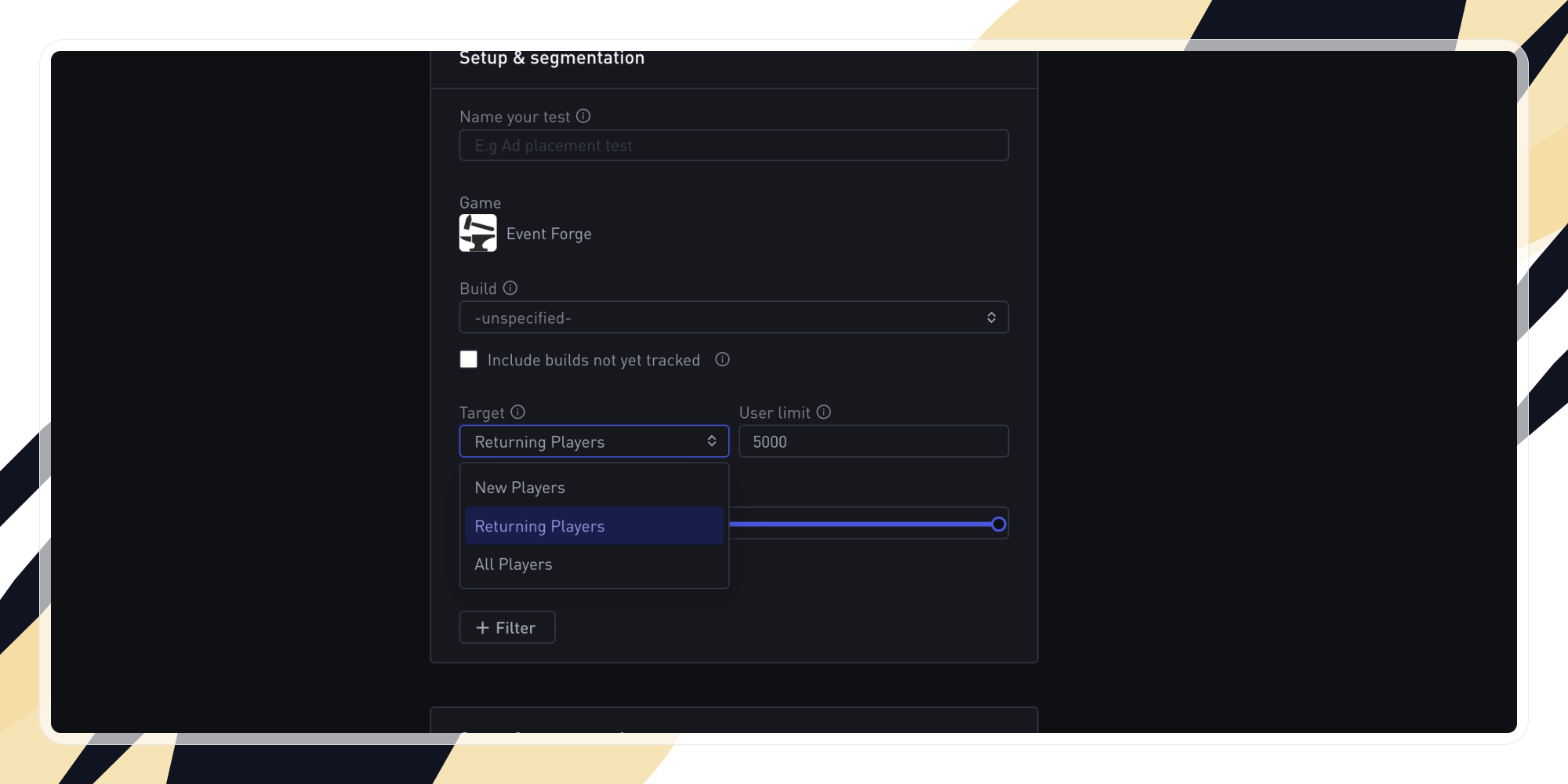
Target Returning Players (A/B Testing)
You can now target returning players in your experiments - alongside new players or all players. This gives you more flexibility to tailor tests to specific audiences and gain deeper insights.
Rotate OrgAPI Keys
You can now manage multiple OrgAPI keys - just like with MetricsAPI. Generate, rename, or withdraw keys without disruption; improving security and making handovers, like developer offboarding, much simpler.

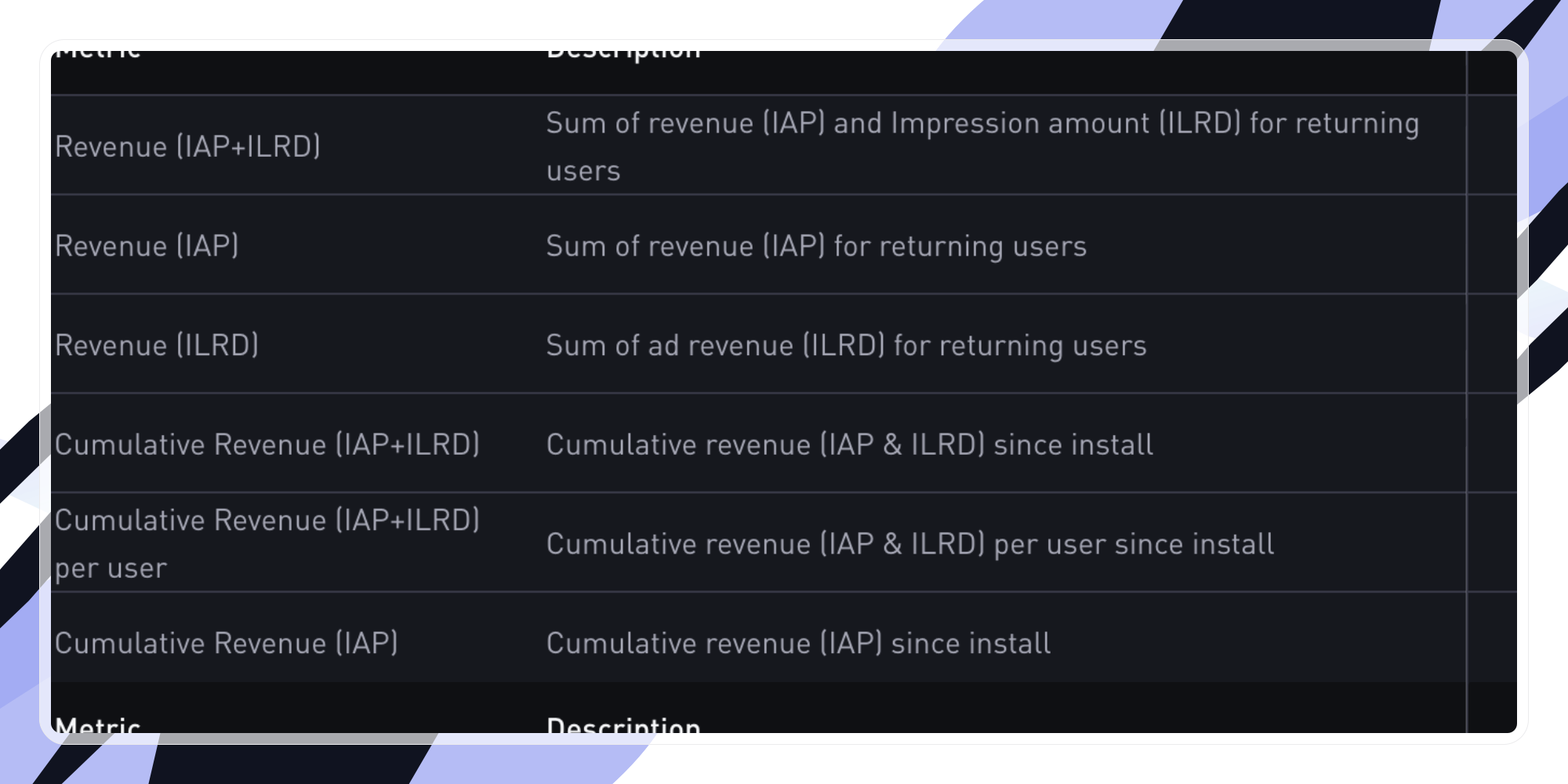
New Monetization Metrics (in Cohorts & Explore)
We've expanded monetization analytics with revenue metrics (Cumulative IAP, ILRD, and combined), Retention (total and average values per day/week), and Cumulative Playtime per User - providing deeper insights into lifetime value and engagement.
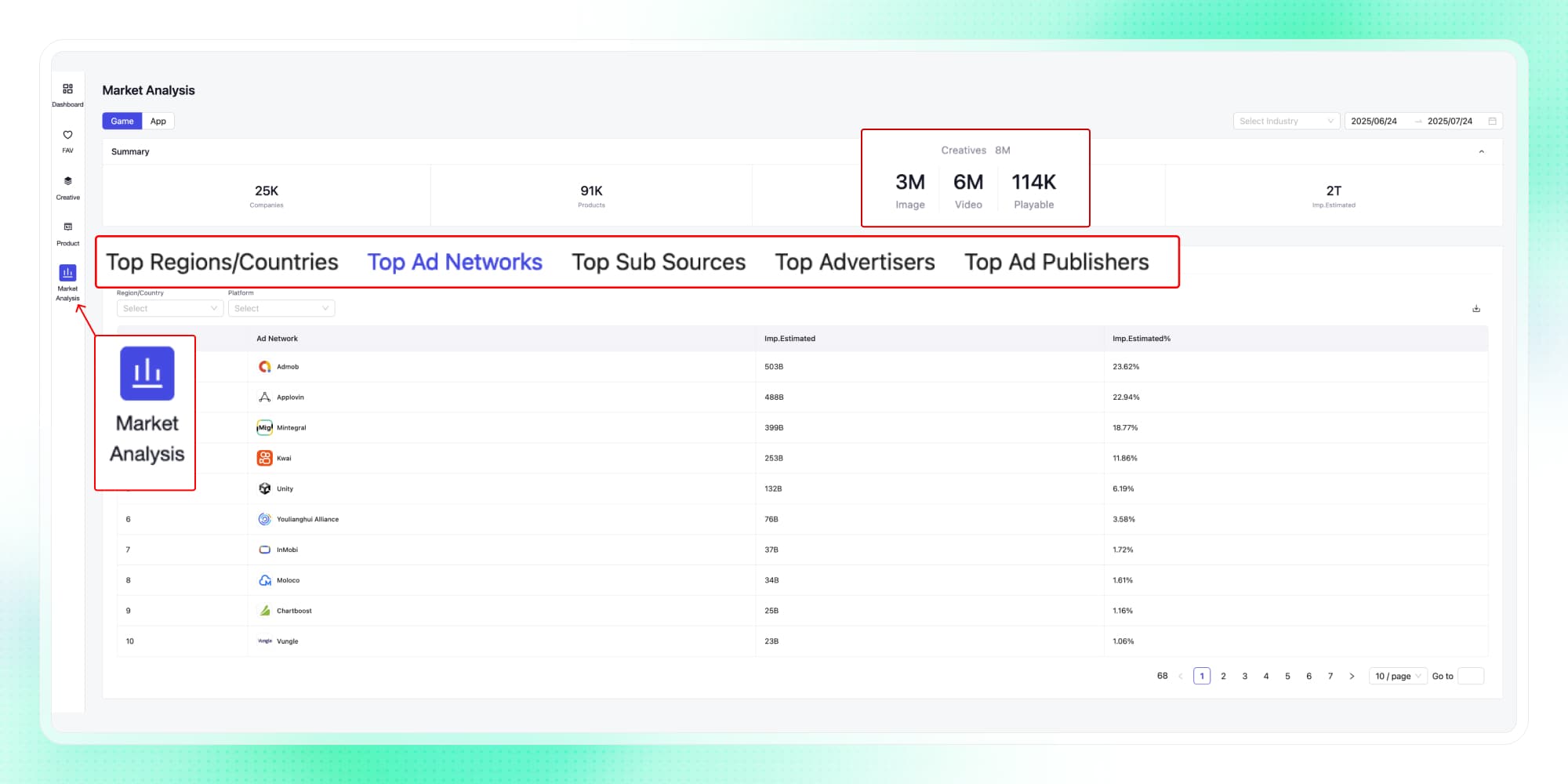
Market Analysis in Ad Insights
Explore high-level ad trends across regions, channels, and competitors - not just individual apps. See distribution across top countries, ad networks, publishers, and advertisers to spot high-potential markets, uncover strong partners, and analyze competitor strategies. Perfect for UA planning, market research, and M&A scouting.
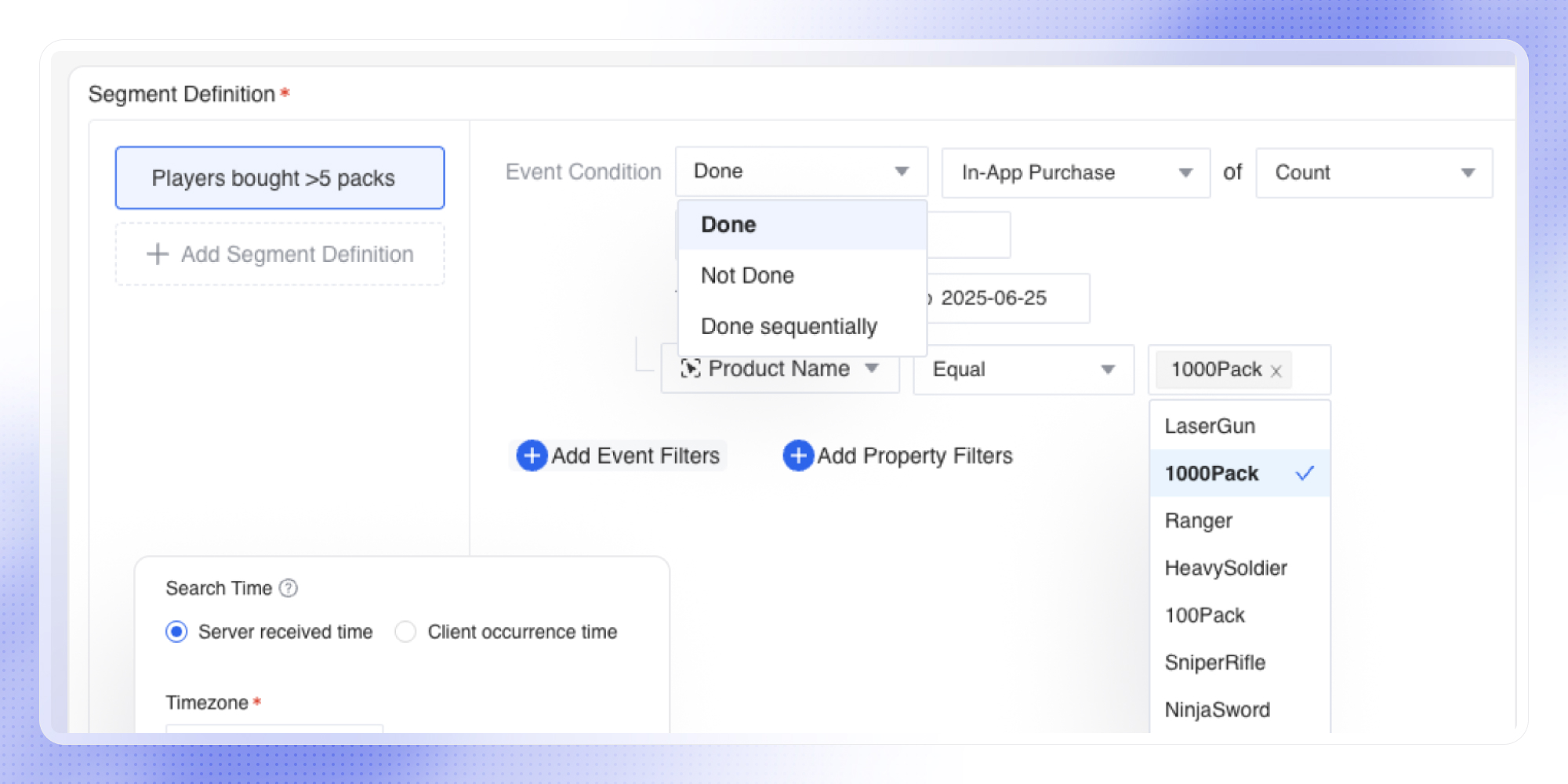
User Analysis
User Analysis is now available to explore 🎉 Access user-level insights, without the complexity. Explore player segments and individual events to see how groups engage, convert, and churn. Go beyond aggregates for a deeper understanding of your engagement and monetization drivers - no SQL or setup required.
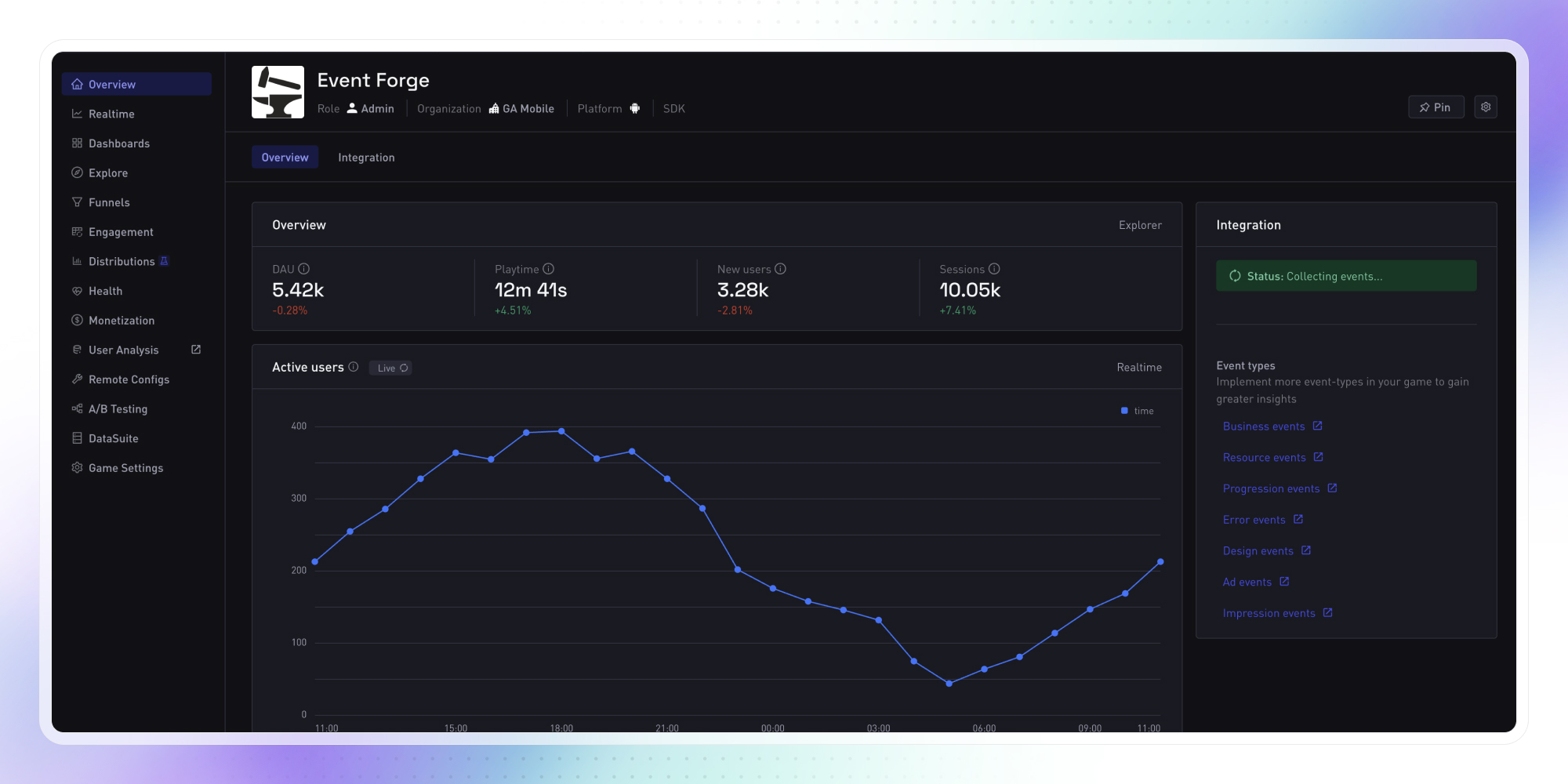
Dark mode
You can now switch to dark mode for a more comfortable viewing experience - especially in low-light environments. A long-requested feature, it’s designed to reduce eye strain and make it easier to stay focused while digging into your game data.
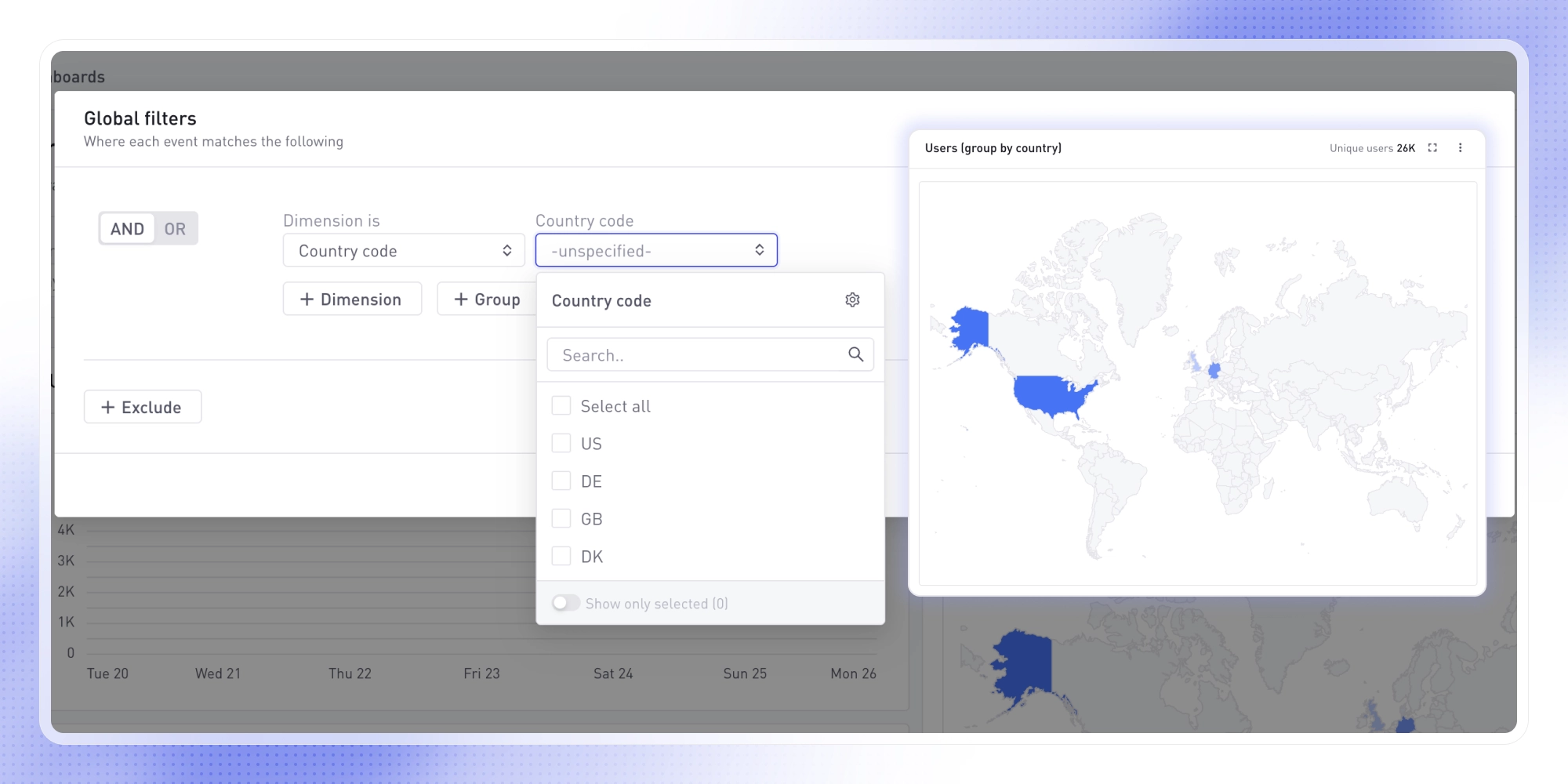
Country Map Visualization
You can now add map visualizations to dashboard widgets to view data by country at a glance. Use Group by: Global Dimension → Country Code to enable the map view, or check the pre-defined Overview Dashboard to see your users grouped by country.