AnalyticsIQ: Turning player data into growth decisions

min read

GameAnalytics has evolved. With the new IQ Suite, we’re transforming years of data expertise into a connected set of tools that help studios of every size understand their players, refine their strategy, and grow with confidence.
Updated April 2026 — now covering AnalyticsIQ Pro features with video walkthroughs.
GameAnalytics has evolved. With the new IQ Suite, we're transforming years of data expertise into a connected set of tools that help studios of every size understand their players, refine their strategy, and grow with confidence.
Fourteen years ago, we started with analytics. Today, we have grown into a full ecosystem of tools for developers, marketers, and growth teams, built to give every studio the kind of power that used to be reserved for the biggest publishers. Forget the patchwork of disconnected tools. Our four specialized products work together, giving you a unified way to analyze, test, and grow your games. At the heart of it all: AnalyticsIQ.
GameAnalytics is as important to us as a radar when you're flying at night, through a thunderstorm; without it, we'd be flying blind. - Eric Park, Co-founder at Trihex Studio
What is AnalyticsIQ?
Guessing is costly. Decisions should be backed by data, not gut feeling. AnalyticsIQ helps developers and studios understand player behavior and turn it into concrete actions that improve acquisition, retention, and monetization.
It's cross-platform (mobile, Roblox, PC/console, VR/AR), scalable from indie teams to AAA studios, and designed to give clarity to both technical and non-technical teams. Player behavior is complex — players churn for different reasons, convert at different points, and spend differently depending on source, platform, or feature exposure. AnalyticsIQ transforms that complexity into a clear story about your players, so you can fix what's broken, double down on what works, and grow with confidence.
Happy to use AnalyticsIQ for all of our products. Very convenient and easy to use tools give us important and detailed information to understand in-game data. - Igor Karev, CEO at Tatem Games
How developers use AnalyticsIQ
AnalyticsIQ covers three main use cases: acquisition, engagement & retention, and monetization.
Acquisition: Optimize spend with end-to-end player insights
UA spend is rising, and every dollar counts. With AnalyticsIQ, you can connect your campaigns directly to in-game behavior.
- Track campaign impact with precision: See which ads, creatives, or networks are driving installs, and whether those users actually engage and spend.
- Go beyond installs: Funnels show how players from different campaigns move through tutorials, early levels, and monetization steps.
- Measure true ROAS and ROI: Cohorts let you compare retention, lifetime value, and monetization by source.
Integrate with attribution leaders such as Adjust, Appsflyer, Kochava, Singular, Tenjin, Airbridge.
AnalyticsIQ helps us gain a better understanding of our users' behaviour so we can keep improving our games. We love the amazing and easy-to-use dashboards! - Sophie Jorgensen, Studio Manager at Copenhagen Creators
Engagement & Retention: Build experiences worth returning to
Retention is the lifeblood of successful games. AnalyticsIQ helps you uncover what keeps players engaged and what drives them away.
- Monitor key KPIs out of the box: Daily retention, session length, and playtime all available in pre-built dashboards.
- Spot drop-offs in onboarding and flows: Funnels reveal exactly where players churn in tutorials, levels, or features.
- Understand feature adoption: Matrix shows which features players embrace and which get ignored.
Segment and personalize player experience with SegmentIQ. This complementary platform from our ecosystem can also run A/B tests and remote configs for tailored experiences.
Thanks to AnalyticsIQ, we make decisions about player engagement by using heaps of custom events with relative ease. - Emre Tas, CEO at Alictus
Monetization: Maximize every revenue stream
Revenue strategies are shifting fast - IAP, ads, and webshops all play a role. AnalyticsIQ unifies them in one place.
- Support for every model: IAP, ad monetization, and direct-to-player webshops.
- Track ad revenue: Built-in support for AdMob, MAX, ironSource, Fyber, TopOn and more.
- Analyze IAP performance: Analyze revenue by item, ARPPU, and payer behavior.
- Understand webshop contributions: See how direct-to-player sales add to your bottom line.
- Optimize conversion journeys: Funnels show where players drop before making a purchase, so you can fix the leaks.
Instead of guessing which monetization strategy works, you see the complete picture and can shift focus to where the real money is.
Features from day-one setup to portfolio-wide insight
AnalyticsIQ is free to use, with no MAU caps or scale limits. AnalyticsIQ Pro, starting at $29/month billed annually, with a 14-day free trial, extends the free capabilities with deeper analysis, automation, and multi-game visibility. Here's how they fit together, with short video walkthroughs of each Pro capability.
Track your game in real time
Start in Realtime to watch player activity as it happens, replay sessions on the Live Map, inspect raw events, and verify your SDK integration. It's the fastest way to catch issues around launches and updates.
Pro: Hourly Granularity. Zoom in to see how metrics change hour by hour. In Explore or Dashboards, group your chart by time and select Hour as the granularity. Spot peak usage, sudden drops, and engagement spikes around launches and live events when daily numbers move too slowly to be useful.
Explore your data with dashboards and queries
Pre-defined Dashboards give you at-a-glance views of core KPIs: DAU, retention, progression, monetization, ad impressions. Duplicate any of them to build custom dashboards for your team. Explore is where you query deeper: group and split metrics by any dimension, save queries as Views, and use Tabs to compare up to three queries side by side.
Pro: Dashboard Sharing. Share dashboards across all games in your organization so every team sees the same numbers. Open Dashboards, select the menu, and click Share. Product, Marketing, and other stakeholders get immediate visibility, and you avoid duplicated dashboards that drift apart over time.
Understand the player journey
Cohorts group players by the day or week they first installed so you can track how each cohort engages over time. Retention shows how many players return after their first session. Funnels visualize how players move through key steps, such as levels, conversions, ad views, and pinpoint where they stop progressing.
Pro: Retention Triggers. Customize how retention is measured for your game. Select Event condition and set your triggers using Event and Global filters. For example, set a start trigger on first level played and a return trigger on any other level played, so you measure engagement against the moments that actually matter for your game loop, not just first and second session.
Pro: Distributions. Go beyond averages. Choose a metric, set your date range, include or exclude specific player segments, adjust the chart, and click Process to generate a histogram that shows the real shape of player behavior. Averages hide outliers and bimodal patterns; Distributions surface them.
Keep your game running smoothly
Health surfaces technical issues that quietly hurt retention. Compare error counts between builds, see which stack traces impact the most players, and identify device types with higher error rates.
Pro: Enhanced Health monitoring. Go beyond errors to visualize frames per second (FPS), memory usage, and app boot time. Split charts by dimensions like OS version, configure buckets for more granularity, and switch between histograms and percentiles. Spot performance drops, regressions, and device-specific issues before your reviews and retention catch them.
Scale across your portfolio and team
Pro: Portfolio Overview. Monitor your entire portfolio in one place. Head to your Organization Hub and select Portfolio to compare key metrics across your top titles and quickly spot wins and dips, essential for publishers and multi-title studios who'd otherwise open each game individually.
Pro: Scheduled Reporting. Automate regular performance updates straight to your inbox. In your Organization Hub, select Reporting, pick a template, and choose the games and recipients. Keep stakeholders up to date without anyone chasing numbers every Monday.
AnalyticsIQ gives us all the flexibility we need to track custom events and specific user behavior, allowing us to improve KPIs. It's fast, has great UI, and fantastically structured data across its multiple features. — Arbak Martirosyan, COO at Koreez
How studios use AnalyticsIQ: Midnite Games
Midnite Games, the 10-person team behind the hit Slices (65M+ downloads), uses AnalyticsIQ to pinpoint churn triggers, optimize feature conversion, and reduce technical friction through Health monitoring; all without data overload or dev time lost on custom tools.
Read the full case study or browse all customer stories.
AnalyticsIQ in the IQ Suite
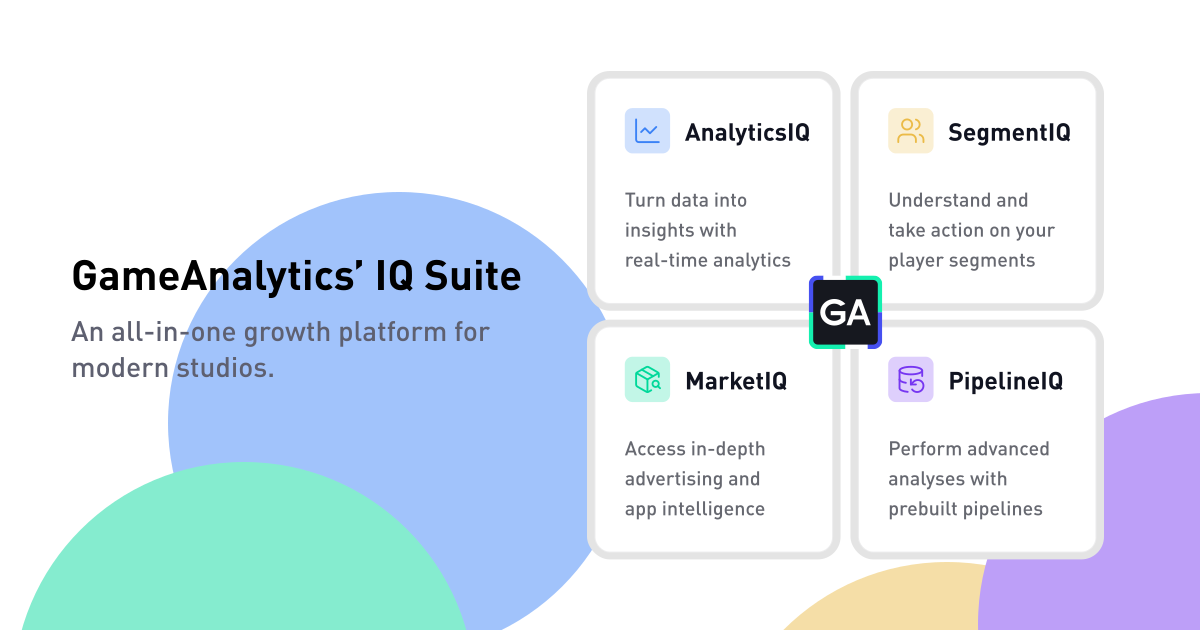
AnalyticsIQ stands on its own, and it works better alongside the rest of the IQ Suite:
- SegmentIQ — segment players, run A/B tests, personalize live experiences
- PipelineIQ — seamless data pipelines, APIs, and warehouse exports
- MarketIQ — Store Intelligence and Ad Insights for market research and creative intel
Together, they cover the full journey from understanding players to growing your audience to optimizing your portfolio at scale.
Want to go deeper? Watch the Game Dev Masterclass
We teamed up with Deconstructor of Fun for a four-part video series on data strategy, acquisition, retention, and monetization; designed to help you build, scale, and sustain successful games. Watch the Game Dev Masterclass.
Getting started
AnalyticsIQ plugs into your game today through our official SDK kits. Track what matters, optimize what works, and make smarter growth decisions; all powered by your player data. When you're ready, start your 14-day free trial of AnalyticsIQ Pro to unlock Distributions, enhanced Health monitoring, Hourly Granularity, Portfolio Overview, Scheduled Reporting, Retention Triggers, and Dashboard Sharing.